Migrating from Mintlify to Jamdesk
 Jamdesk Team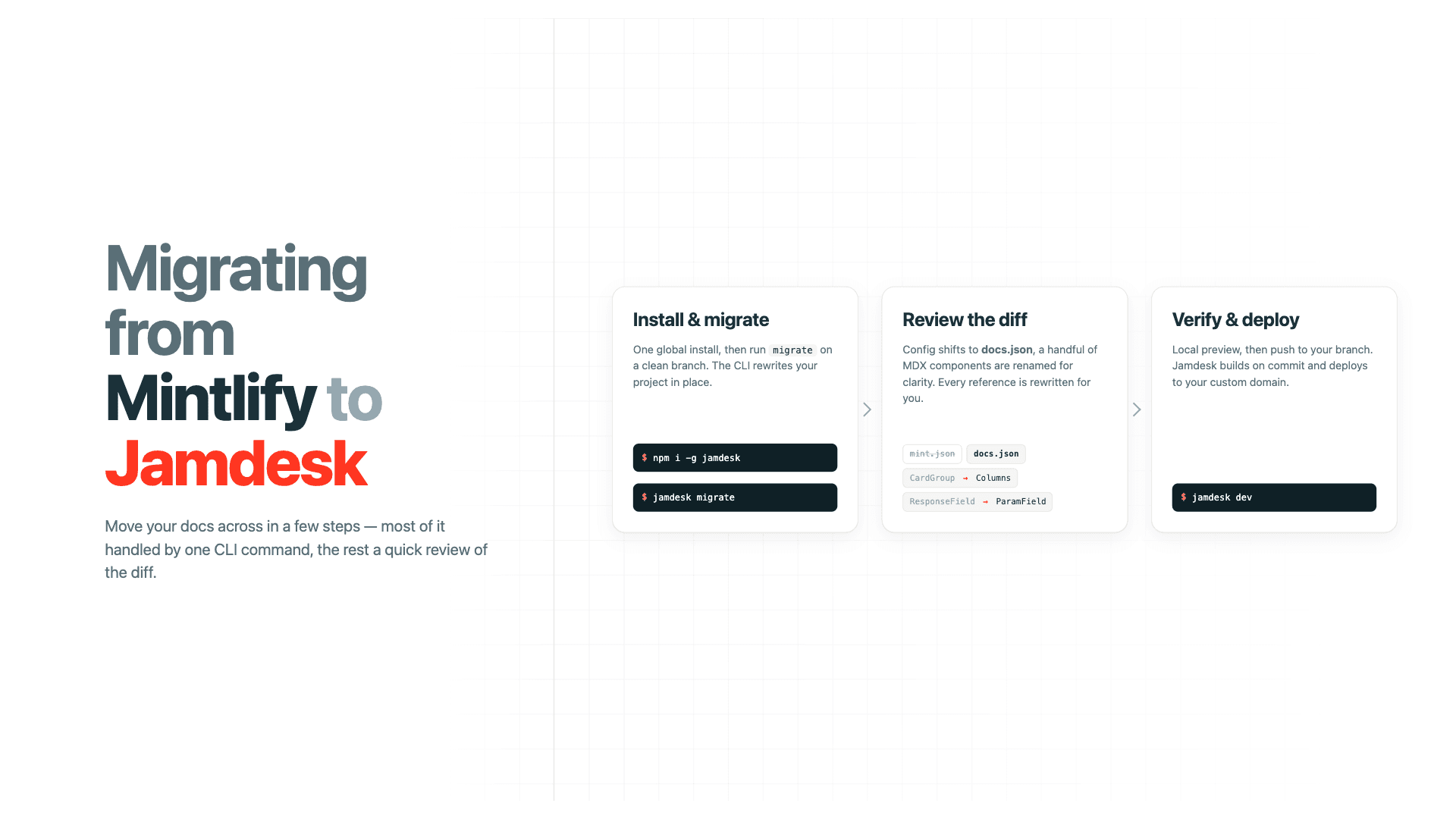
If you're moving documentation from Mintlify to Jamdesk, the Jamdesk CLI handles most of the conversion automatically. This walks through what the Mintlify migration does and what to verify in the output.
Running the migration
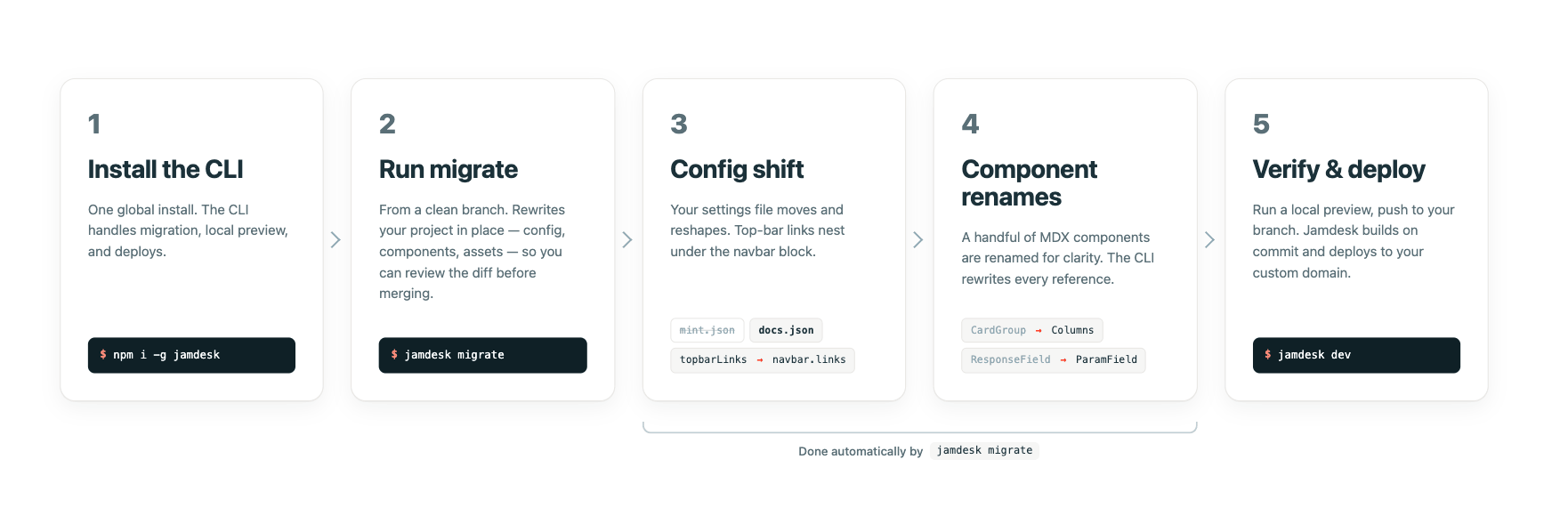
Install the CLI globally:
npm install -g jamdeskThen, from the root of your existing Mintlify repo:
jamdesk migrateThe migrate command handles everything for you. For example, it reads your mint.json, writes a new docs.json next to it, and rewrites component syntax across your MDX files in place to be Jamdesk compatible. Your mint.json isn't deleted, so you can diff against it afterward and remove it once your verify the output looks right.
If you are not ready to overwrite your current docs, we recommend running this on a clean branch since the Jamdesk CLI rewrites files in place.
What changes in the config
The most visible change is the schema shift from mint.json to docs.json. A minimal Mintlify config looks like this:
{
  "name": "My Docs",
  "navigation": [
    { "group": "Getting Started", "pages": ["introduction", "quickstart"] }
  ],
  "colors": { "primary": "#0D9373" },
  "topbarLinks": [{ "name": "Blog", "url": "https://example.com/blog" }]
}
After migration:
{
  "$schema": "https://jamdesk.com/docs.json",
  "name": "My Docs",
  "theme": "jam",
  "colors": { "primary": "#0D9373" },
  "navbar": {
    "links": [{ "label": "Blog", "href": "https://example.com/blog" }]
  },
  "navigation": {
    "groups": [
      { "group": "Getting Started", "pages": ["introduction", "quickstart"] }
    ]
  }
}
There are three transformations worth verifying by hand. First, the top-level topbarLinks array moves under navbar.links, and the field names change with it: name becomes label, url becomes href. If you also had a topbarCtaButton, it ends up in the same navbar.links array. The distinction between regular link and CTA button is no longer schema-level.
Second, the navigation array becomes an object with a groups key. Each group's internal shape (group name plus pages array) is unchanged, so deeply nested nav structures don't need rewriting beyond this one wrapping.
Third, a theme field is added at the top level, and a $schema reference is set so your editor validates the file going forward.
Speaking of themes, the migration tool gives you recommendations on a compatible theme to switch to. For example, if you have the "mint" theme set in your docs.json file, the tool will recommend the "jam" theme as an alternative, and if accepted automatically switch you over.
Component renames
Most Mintlify components have direct, same-syntax equivalents in the Jamdesk components. The standard set, including <Card>, <Accordion>, <Tabs>, <Steps>, <CodeGroup>, <Columns>, and the callout components (<Tip>, <Note>, <Warning>), works without changes.
Here are two renames handled automatically by the Jamdesk CLI:
| Mintlify | Jamdesk | Notes |
|---|---|---|
<CardGroup> | <Columns> | cols prop works the same |
<ResponseField> | <ParamField> | Props are identical |
After migration, an API reference previously written as:
<ResponseField name="id" type="string" required>
  The unique identifier
</ResponseField>
now reads:
<ParamField name="id" type="string" required>
  The unique identifier
</ParamField>
Verifying the migration
Before pushing, run a local preview with jamdesk dev and review the output. You'll get descriptive errors if there are any issues.
The checklist is short:
- Every page renders without an MDX compile error.
- Navigation matches the original site's structure.
- Internal links resolve. Broken links usually mean a page slug was remapped during the nav restructure.
- Images and other static assets load.
- Code blocks keep their syntax highlighting (the language tag survives migration, so verify anything custom).
- Search indexes your content after the first build.
For a site under fifty pages, this is generally a ten-minute review. On larger docs sets, the longest part will be verifying any custom React components still resolve under Jamdesk's MDX setup. Don't forget you and run jamdesk validate to do teh checks on your files.
First deploy
Once the diff looks right, push to your branch either by pushing to GitHub or using jamdesk deploy. Jamdesk picks up docs.json on commit and runs the build. From there the workflow is identical to any Git-based docs platform: push to the default branch, build runs, deploy completes, custom domain serves the new content.
When the first build fails, the most common causes are a stray <Snippet> reference the CLI didn't catch, followed by <ParamField> props extended in custom forks of Mintlify components. Errors and warnings show clearly in the Jamdesk dashboard build log so you will be able to identify any final items to correct.