Best GitBook Alternatives in 2026
 Jamdesk Team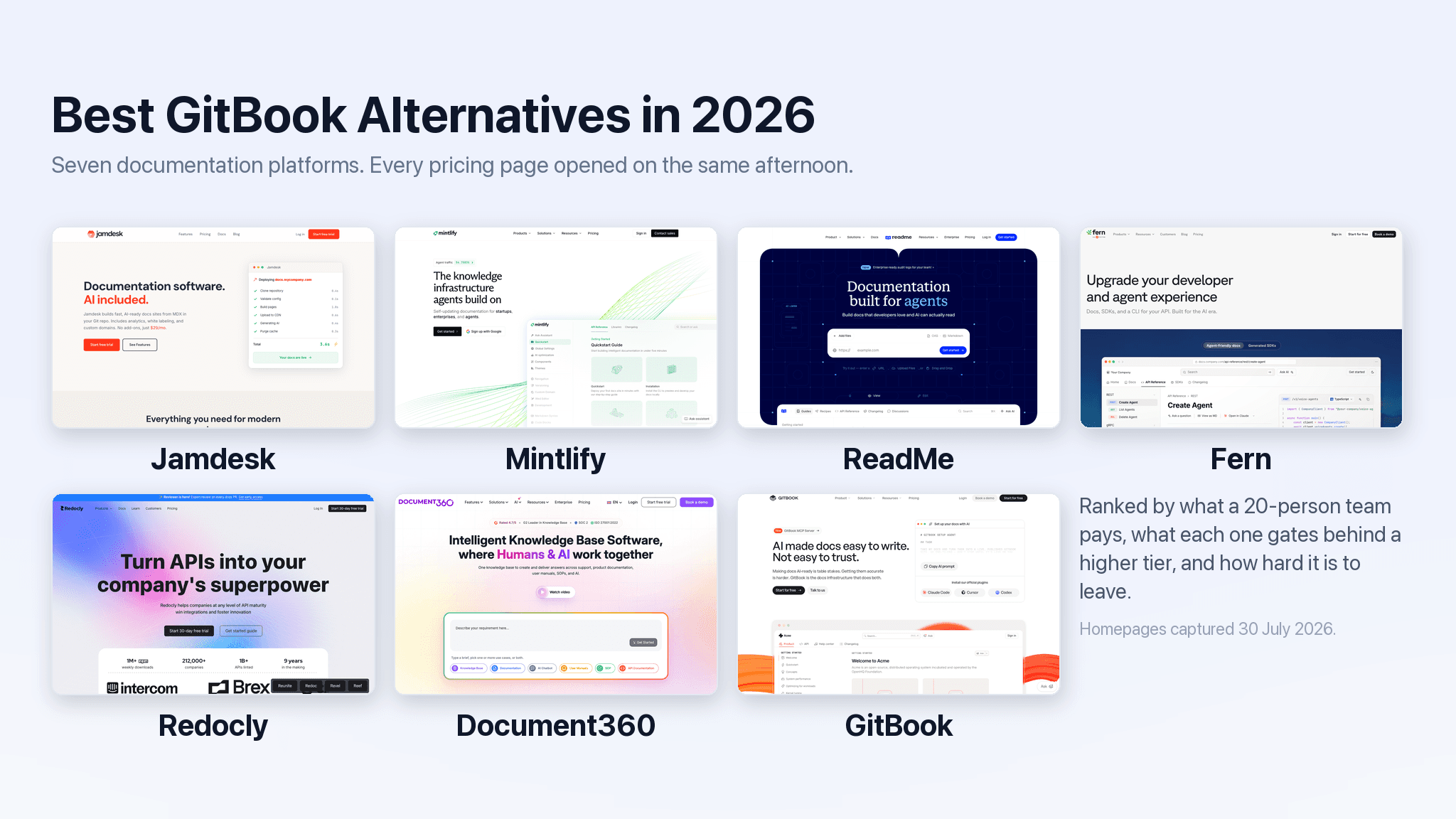
For a bit of background, we used GitBook for years with our previous social media API company. GitBook powered our docs, which were critical for the developers building on our system and for our developer focused marketing efforts. I personally spent hours a day creating and updating the docs, so I got to know the GitBook WYSIWYG, capabilities, and restrictions quite well.
Now, this article isn't about the good or bad of GitBook, but I will detail a few things that made us go through a migration to another vendor:
- No markdown. GitBook has their own proprietary file format, so you're basically stuck using their visual editor, and forget about easily migrating to another vendor unless they offer a migration tool.* Being developers, that was too restrictive.
- The docs design was, eh. The design was OK, but a lot better looking options started popping up. And the auto-generated API docs from an OpenAPI spec looked horrible.
- It got expensive. GitBook used to be mostly free, then there was a $20 option, then prices just kept going up and up until the value vs cost didn't work anymore.**
* Jamdesk does offer a GitBook migration tool.
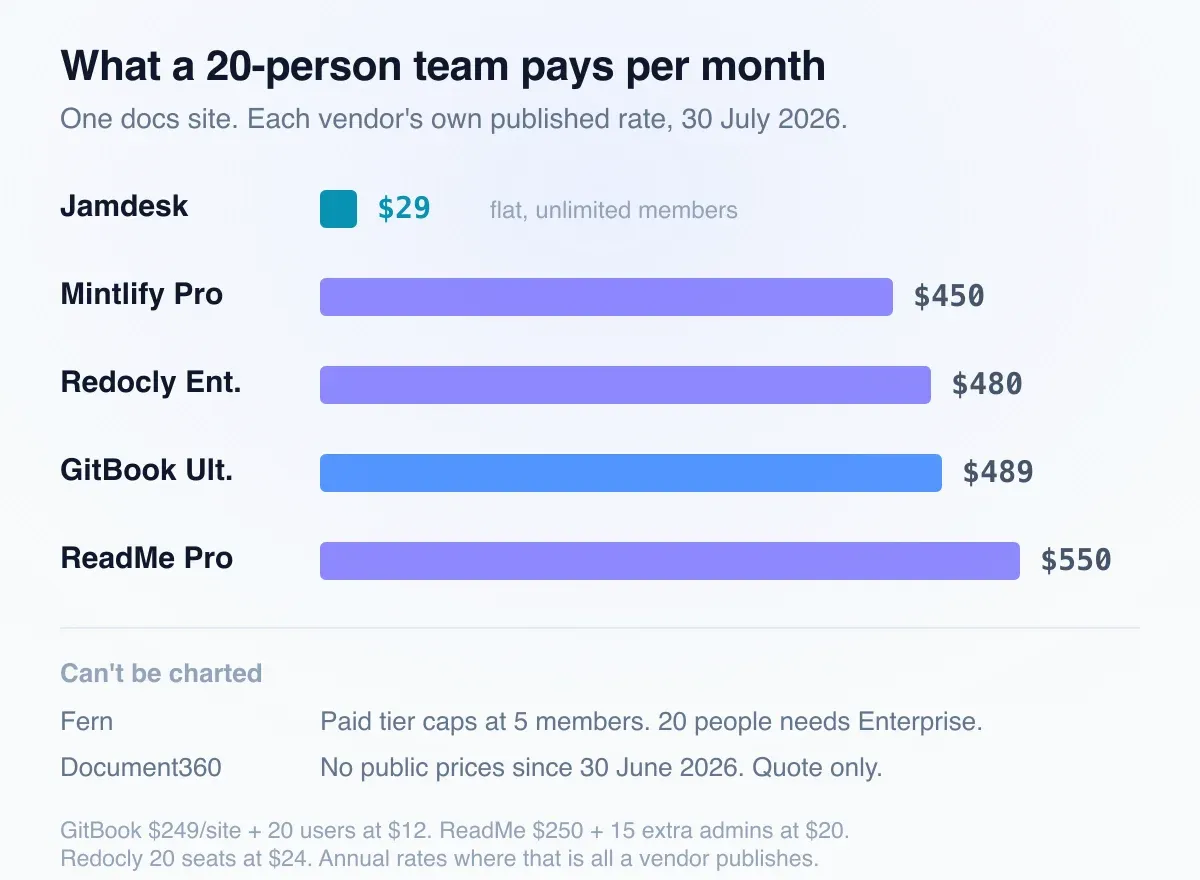
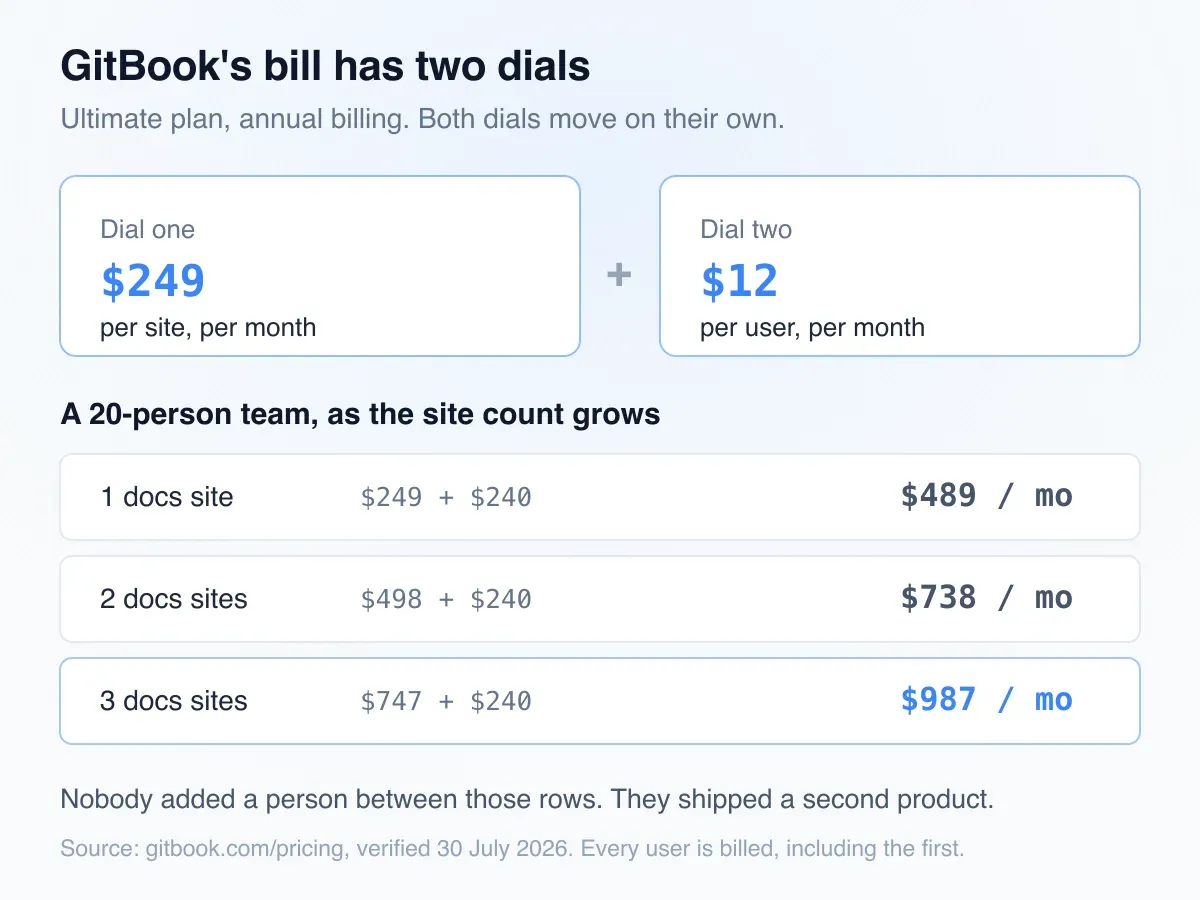
** GitBook now charges per site and per user. Ultimate runs $249 per site per month on annual billing, then adds $12 for every person who needs to touch the docs (GitBook pricing, verified September 10, 2026). Their own calculator puts one site with one editor at $261/mo, or $3,132 a year. Add nineteen colleagues and you're at $489/mo.
Most docs platforms now have the same features and AI capabilities. And they mostly look the same, for good or bad. The real differentiator is now cost, and how much you're charged for AI.
In this article, we review what six docs platforms actually cost, their features, the good and the bad, and who each tool is best for.
Full disclosure before we start: Jamdesk is our product, and it's last on this list, but we think it really is first!
How We Picked and Ranked These
Cost decided the order, because cost is what's left once the feature lists converge.
Specifically: what a 20-person team actually pays, on the vendor's published rate, for one docs site. Not the headline number on the pricing card. The number after seats.
Then how each one charges for AI, since that's the second dial and nobody was pricing it two years ago. A monthly cap, a credit balance, and a $150 add-on are three different things sold under the same word.
Then what's included versus what's gated, because a $65 plan that hides analytics behind $249 isn't really a $65 plan, and then whether developers can work the way they already work, meaning files in Git, a CLI, and a local preview before anything ships. And whether machines can read the output, which used to be a nice-to-have.
84% of developers now use or plan to use AI tools, up from 76% a year earlier, and 66% name their biggest frustration as answers that are "almost right, but not quite" (Stack Overflow 2025 Developer Survey, 48,885 respondents). Docs an agent can't parse cleanly feed that number directly.
Last, how hard it is to leave again, because you're reading this for exactly that reason.
Every price below came off the vendor's own pricing page on September 10, 2026; the homepage screenshots were taken July 30, 2026. Where a vendor publishes annual rates only, we've used the annual rate and said so.
1. Mintlify
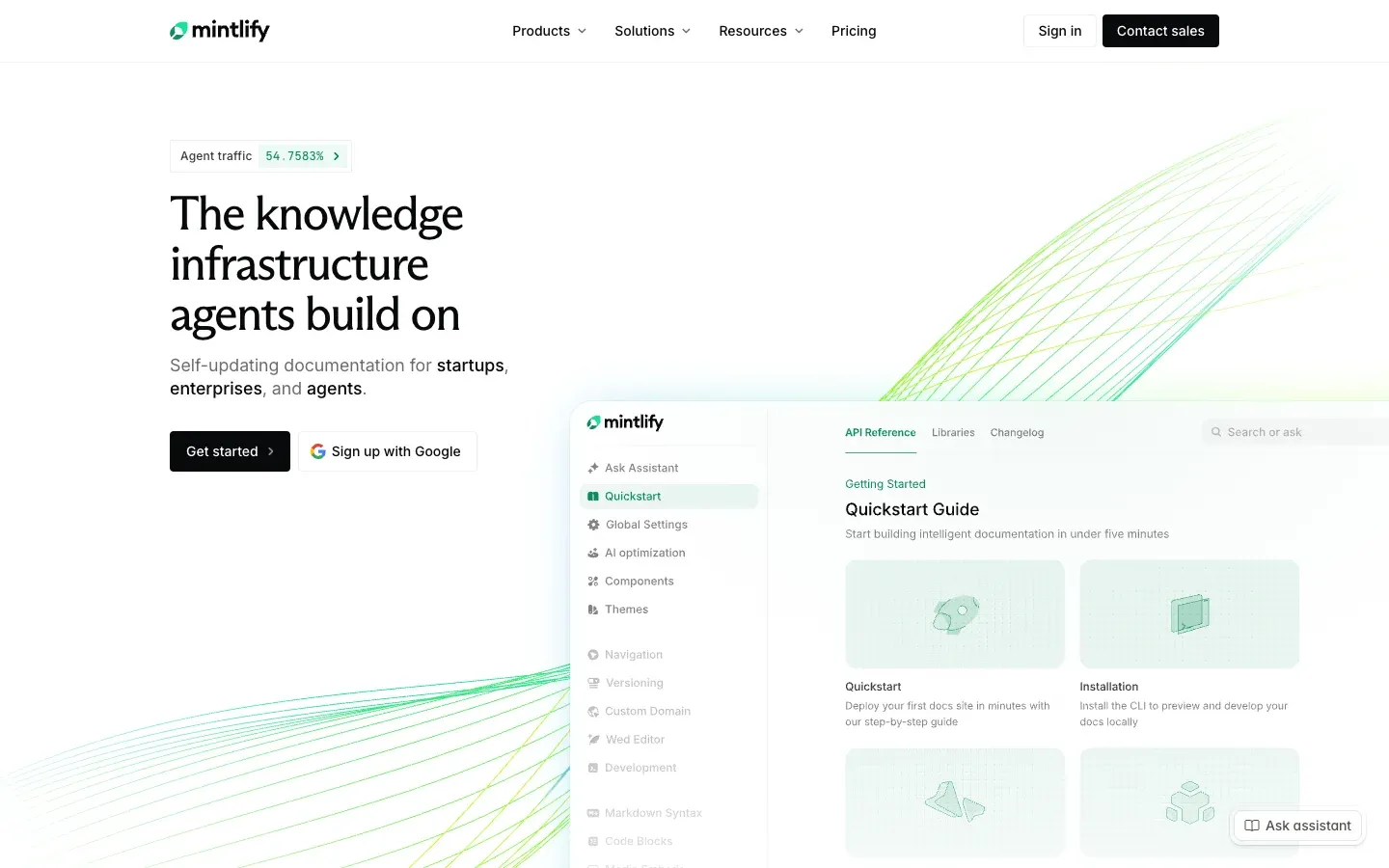
Mintlify makes one of the best-looking docs on this list. That's not a small thing when your API reference is the first impression a developer gets of your company, and it's why Mintlify keeps showing up in the stack at companies with serious design budgets.
What it costs: Starter is free, Pro is $540/mo on monthly billing or $450/mo annual, and Enterprise is custom (verified live on mintlify.com/pricing, September 10, 2026).
Seat math doesn't apply anymore, which is an advantage over GitBook. Twenty editors cost the same as two, so a 20-person team pays the $450 and stops.
What you get: The free Starter tier is more usable than most: full platform, custom domain, web editor, MCP server, and API playground, with no credit card. If you're a two-person team, start there and see whether you ever need Pro.
What replaced the seat math is credits. Since May, AI features bill against a credit balance. Pro includes 10,000 credits a month and overages run $0.01 each.
The good: Design, and the fact that hiring doesn't change the invoice. If your docs double as a marketing surface, this is the one that looks the part.
The bad: $450/mo is a junior contractor's week, every month, for documentation hosting. SSO, SCIM, RBAC, and advanced insights are all Enterprise, and the credit model means your worst month traffic-wise is also your most expensive, because whether 10,000 credits is generous depends entirely on how much traffic hits your Ask AI widget and you won't know that until it happens.
Best for: Well-funded developer-tools companies where the docs are a marketing surface and the design polish justifies the line item.
2. ReadMe
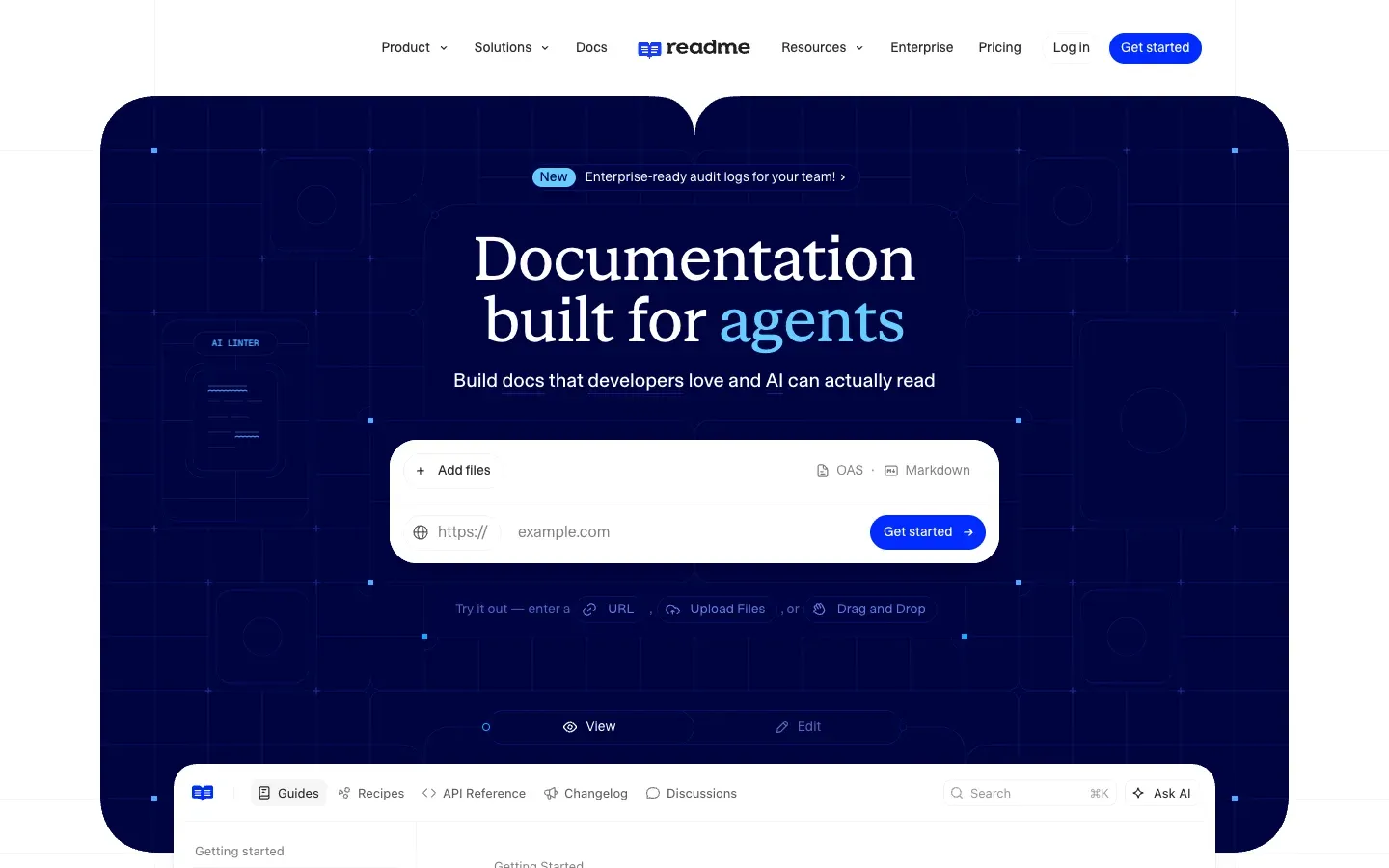
ReadMe is the only platform here built around the idea that your docs should know who's reading them. Logged-in developers see their own API keys pre-filled in the reference, their real request history, and errors from their actual traffic.
What it costs: Starter is free with one admin. Pro is $250/mo billed annually and includes five admins, with $20/month for each one after that. Enterprise starts at $3,000/mo, annual billing only (readme.com/pricing, verified September 10, 2026).
Twenty people on Pro is $250 plus fifteen extra admins at $20, so $550/mo. That's the most expensive mainstream option here, and it's before AI.
What you get: The personalization is the product. Beyond that, Pro includes "Ask AI Lite," the AI Linter, and a GitHub AI writer.
Real Ask AI is a $150/mo add-on that sits on top of every tier, Enterprise included. Extended logs are another $100/mo. Removing ReadMe's own branding from your docs requires Enterprise, which is to say $3,000/mo minimum.
The good: For an API company carrying a support burden, docs that show a developer their own keys and their own failed requests are worth more than anything else on this page. Nobody else here does it.
The bad: Almost everything a growing company eventually needs lives at Enterprise: SSO, OAuth, user roles, audit logs, multi-project management, and white labeling. The jump from $250 to $3,000 is the steepest cliff in this category.
Best for: API-first companies where personalized, logged-in reference docs measurably cut support tickets, and where $3,000/mo is a rounding error.
3. Fern
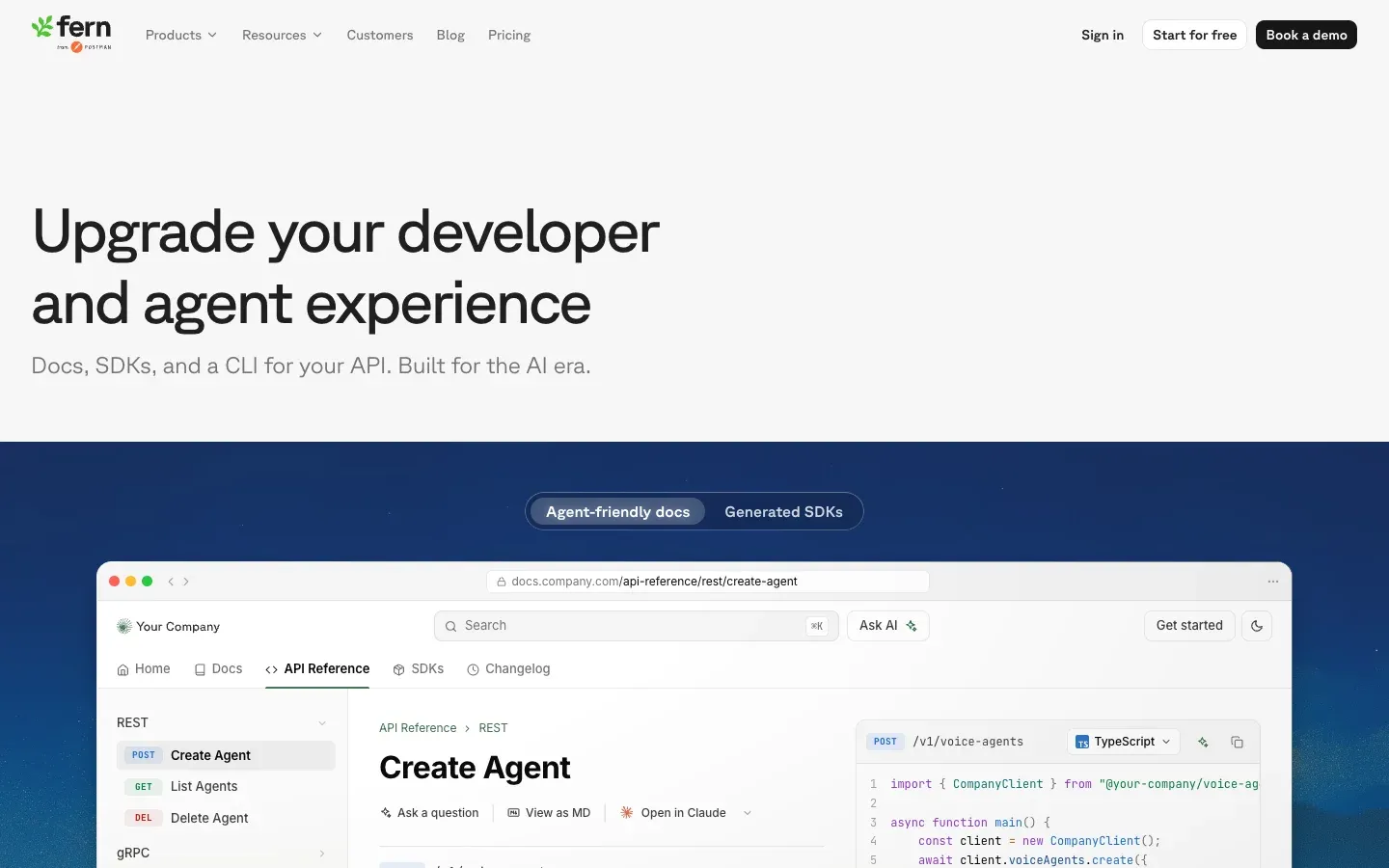
Fern generates client SDKs from your OpenAPI spec and builds a docs site alongside them. If you're shipping libraries in five languages and hand-maintaining them, that's the pitch, and it's a good one. The docs site is a bonus attached to a code-generation product.
What it costs: Hobby is free with two members. Team is $150/mo with five members. Enterprise is custom (buildwithfern.com/pricing, verified September 10, 2026).
Team caps at five members, so a 20-person team can't buy the $150 plan at any price. You're in an Enterprise conversation, and Fern doesn't publish what that costs.
What you get: SDK generation and docs from one spec, which is the reason to be here at all. Team adds custom subpath hosting, PDF export, version switching, and the analytics dashboard. Enterprise covers JWT visitor auth, SSO, RBAC, translated content, and self-hosting. AI runs on credits: 250 a month on Hobby, 1,000 on Team.
The good: One spec in, SDKs and a reference site out. For a small API company shipping libraries, that consolidation is hard to replicate with a docs tool alone.
The bad: The five-member ceiling on the only published paid tier means the "$150/mo" you saw on the pricing page isn't a number most teams will ever pay. And if you only want documentation, you're paying for a code generator you'll never run.
Best for: API companies who need SDK generation and docs from one spec, and who are either small enough to fit in five seats or large enough to sign an enterprise contract.
4. Redocly
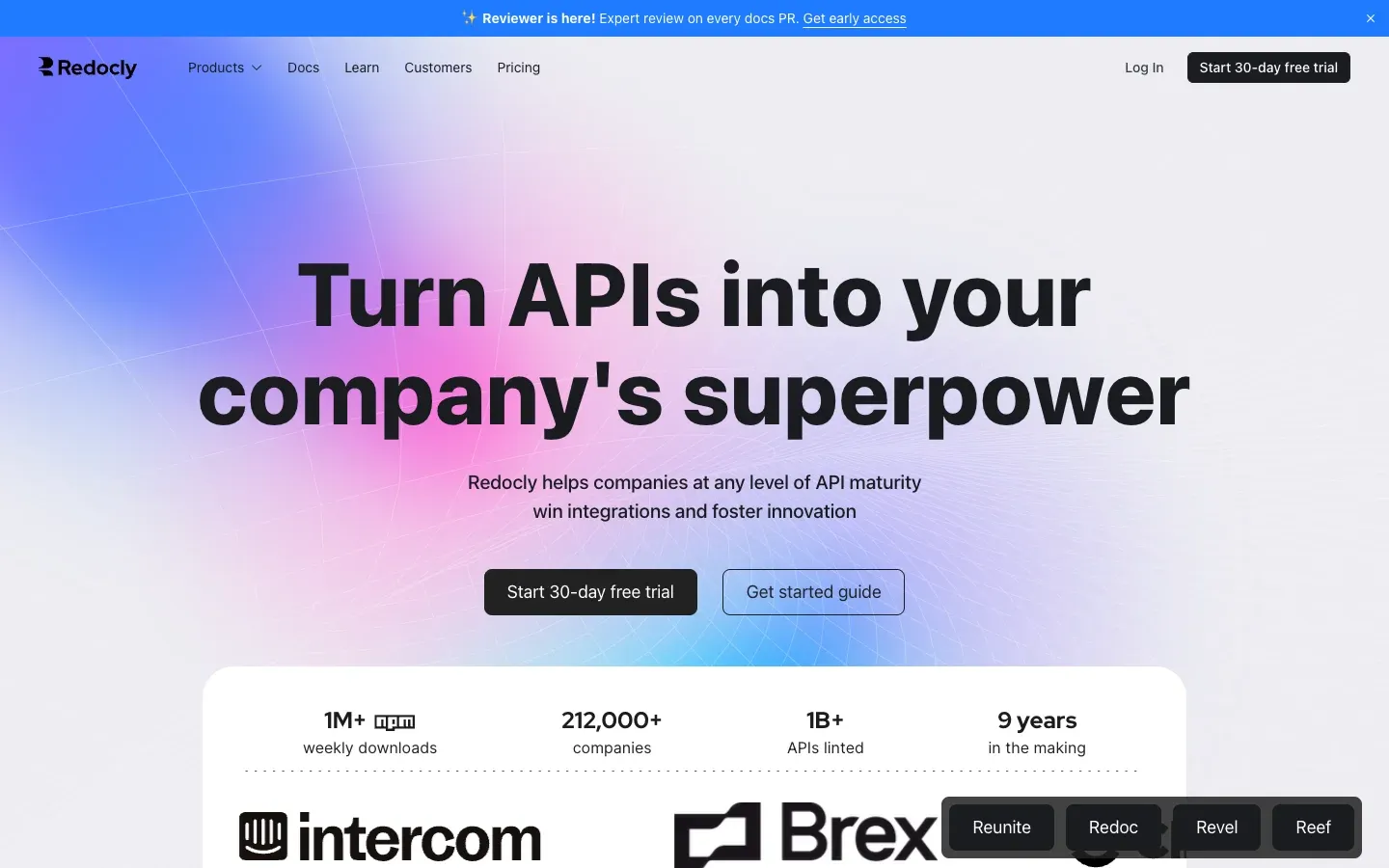
Redocly comes at documentation from the governance end. Lint your OpenAPI specs against custom rulesets, score APIs for consistency, catch a breaking change in CI before it ships. If you have forty internal APIs and no agreement on how any of them should look, this is the tool.
What it costs: Purely per seat, with no base fee. Pro is $10/seat/mo, Enterprise is $24/seat/mo, and Enterprise+ is custom and always billed yearly (redocly.com/pricing, verified September 10, 2026).
Twenty seats on Enterprise is $480/mo, within ten dollars of GitBook Ultimate at the same headcount. Twenty seats on Pro would be $200/mo.
What you get: Pro covers one project and 100 pages. Enterprise raises that to 500 pages and is where SSO, RBAC, AI search, analytics, and MCP servers live.
Docs sites cross 100 pages sooner than anyone plans for, and crossing that line moves every seat you have from $10 to $24 at once.
The good: Nothing else here treats your API specs as something to be governed rather than just rendered. Rulesets and scorecards are a category of their own, and for a platform team they're the whole reason to buy.
The bad: The per-seat model has exactly the scaling problem you're trying to escape. Analytics and search sit on the $24 tier, so the cheap plan isn't really available to a team. And Redocly's center of gravity is API reference, so if half your site is conceptual guides and tutorials you'll feel like you're using the tool sideways.
Best for: Platform teams running API governance across many specs, where linting and scorecards matter more than the marketing site.
5. Document360
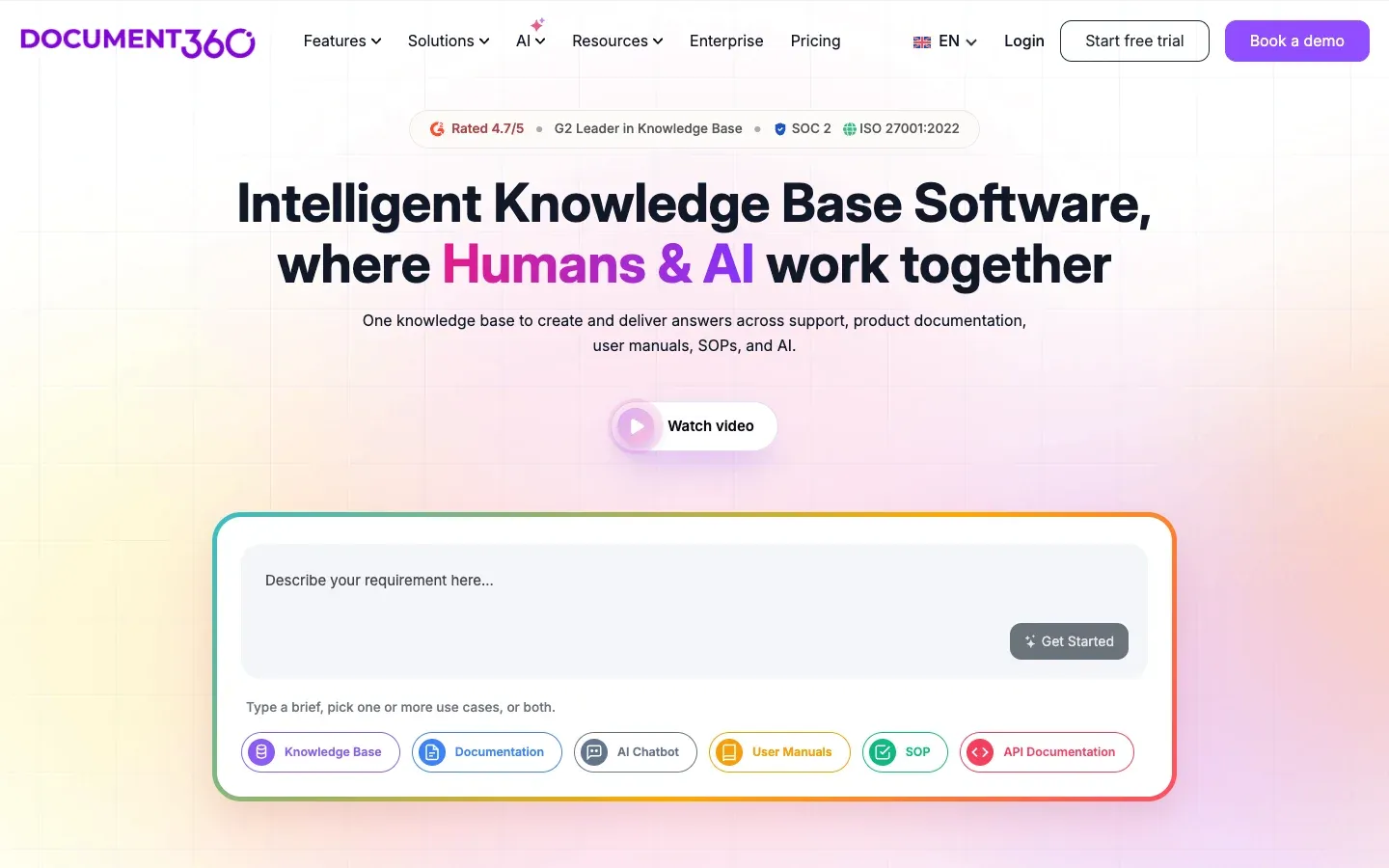
Document360 is a knowledge base first and a developer docs tool second. It's built for a documentation team with editors and approvers, not for engineers committing markdown.
What it costs: We can't tell you. As of a page update on June 30, 2026, Document360's pricing page publishes no tiers and no numbers.
You answer a questionnaire covering team accounts, workspaces, languages, SSO needs, privacy model, and AI usage, and sales comes back with a quote. You do get a 14-day free trial.
Their stated reasoning: "A flat tier would either overcharge small teams or undercharge enterprises." That's a defensible position and the logic holds. It's also a hard no for a lot of engineering teams, who would like to know the price before booking a call.
What you get: Category management, workflow approvals, article review cycles, and Eddy AI search.
None of that is aimed at engineers. It's aimed at someone whose job title is Technical Writer, and it's good at that job.
The good: If your documentation has an editorial process, meaning drafts and reviewers and approvals and scheduled publishing, this is the one built for it. Support organizations like it for good reasons.
The bad: No published price makes honest comparison impossible, which is why it's last here rather than ranked on merit. And the Git story is weaker than everything else on this list. A team that wants MDX in a repo with local previews will fight the product's assumptions the entire way.
Best for: Support and customer-education teams with a formal review workflow, where the docs are written by writers rather than engineers.
6. Jamdesk
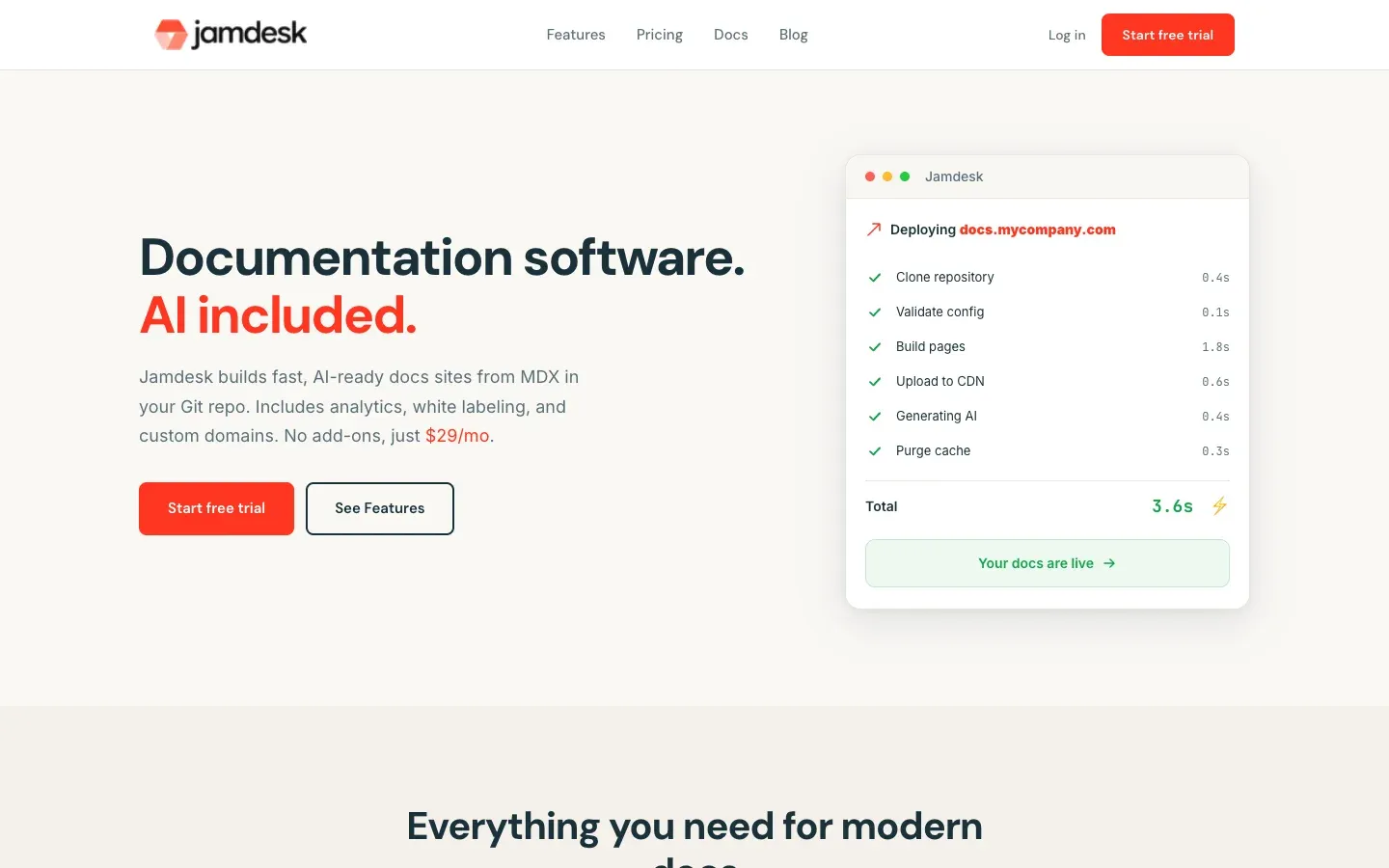
Jamdesk is flat-rate with unlimited team members on every plan. That's the whole pitch, and it's why it sits at the top of a list defined by seat math.
What it costs: $29/mo, or $290/year. Twenty people cost the same as one person, which is $29. The 14-day trial doesn't ask for a card. Full breakdown on the GitBook alternative comparison.
What you get: One plan, with nothing held back for a higher tier. The things other vendors on this page gate behind Enterprise, meaning analytics, white labeling, password protection, PDF export, and subpath hosting at yoursite.com/docs, are on the $29 plan. That matters more than the list itself, because everywhere else here "gated" has meant a jump from $250 to $3,000, or from $10 a seat to $24.
AI works the same way. Readers get an Ask AI chat, every build runs Fix with AI on broken links and spelling and grades an AI Score, and none of it is metered. Where Mintlify's bill rises with traffic and GitBook rate-limits at 500 answers, a launch week on Jamdesk costs the same as a quiet one.
The workflow is files in Git. Docs are MDX in your repo, jamdesk dev previews locally, and a push deploys. If you'd rather not clone anything, the built-in web editor commits straight to GitHub with a live preview. Agents get llms.txt, raw markdown at .md URLs, and an MCP server at /_mcp, so they search your docs as a tool instead of scraping rendered HTML.
The good: The bill stops tracking headcount. And every edit is a real commit either way you author, which matters more than it sounds like it does when you're the one trying to leave a platform later.
The bad: We don't have a one-command GitBook importer. jamdesk migrate automates Mintlify, but for GitBook we internally migrate your docs and then fix them up. It works great, but takes a few days to be ready. Just contact us and we'll start the process.
The bigger honest caveat: if the people writing your docs are mostly not engineers, GitBook's block editor is nicer than editing MDX, web editor or not. Jamdesk edits MDX. GitBook edits blocks. Some teams should stay put for that reason alone.
Best for: Engineering teams who want the bill to stop tracking headcount, and who want their docs readable by agents without buying an add-on.
What GitBook Still Does Better Than Any of Them
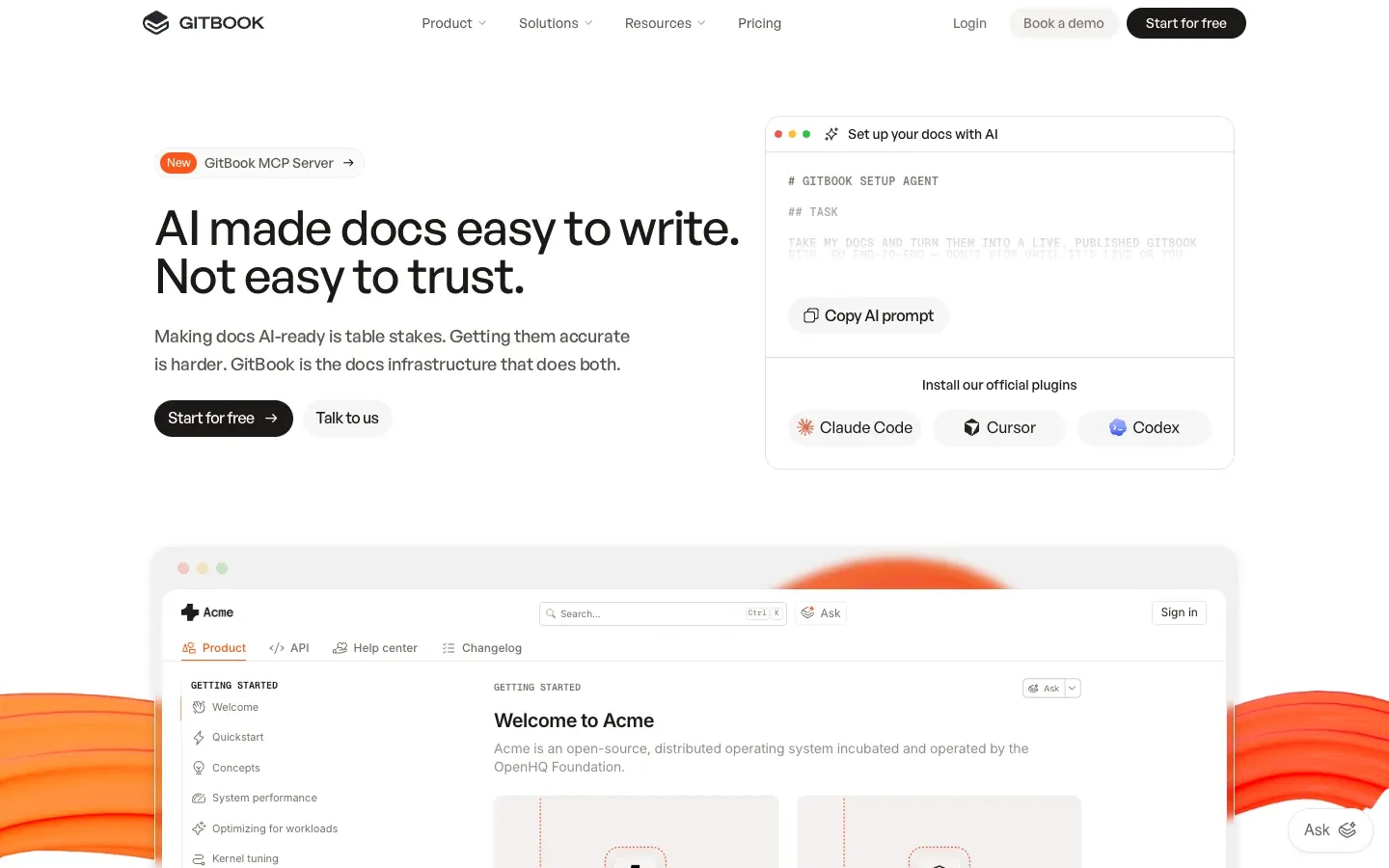
I said up top that this isn't a piece about GitBook's good or bad, and I meant it. So here's the case for staying, which I'd have made to my own team on the way out.
The block editor is the best non-technical editing experience in this category. A product manager can open a page and fix a sentence without learning what frontmatter is, and bi-directional Git sync means engineers still get files in a repo underneath. Nothing else here nails both halves that well.
Fern and Mintlify have web editors. Jamdesk has one too. None of them are as approachable to someone who doesn't write code for a living.
The free tier is also usable for a solo maintainer: block editor, Git sync, API playgrounds, preview deployments, and their own LLM optimizations, at $0. And GitBook is used by 150,000 organizations by their own count, which means your next hire has probably already used it and won't need a week to get productive.
If your docs are written mostly by people who don't open a terminal, and you have a handful of editors rather than twenty, GitBook at $65 or $249 per site is a reasonable place to stay. The math only turns against you when the team grows or the second site appears.
How Each Platform Charges You for AI
Every platform here has an AI story now, and they're metered in four incompatible ways. Most of the cost variance between them hides in that difference.
GitBook caps its AI Assistant at 500 successful answers per site per month on Ultimate, then rate-limits. Mintlify gives Pro 10,000 credits and charges a cent for each one after that. ReadMe wants $150/mo on top of your plan for the real Ask AI. Fern allocates 250 credits on Hobby and 1,000 on Team. Jamdesk doesn't meter it.
Those aren't comparable units, which we suspect is partly the point. Five hundred answers a month sounds like plenty until a launch week puts your docs on Hacker News.
The other half of this is whether agents can read your docs at all when they arrive without a chat widget. That means llms.txt, raw markdown at predictable URLs, and ideally an MCP server so a model can call your docs as a tool.
We wrote up what changes when documentation gets consumed by agents and scored seven platforms on AI-friendliness if you want the detail. The short version is that most docs platforms serve HTML built for eyes and stop there.
Migrating Off GitBook Without Losing a Weekend
None of these six has a one-command GitBook importer. GitBook will hand you markdown on the way out, and Git Sync means many teams already have a repo with most of the content in it. That's the easiest possible starting point. Point the new platform at that repo and you're halfway there.
What you won't get is clean markdown. It's GitBook's dialect, and the GitBook-specific parts are the ones that break. Custom blocks, hints, embeds, and interactive elements come out as something the new platform won't recognize. Cross-space links break. Comments and page history stay behind entirely.
A sane order of operations: export or clone the synced repo, get the navigation config right before you touch content, run a link checker, then fix components section by section rather than all at once.
Keep the GitBook site live on its old domain until the new one is verified, and redirect at the end rather than at the start.
Budget half a day for a small site and a week for anything past a couple hundred pages. Anyone promising less hasn't done it.
So Which One
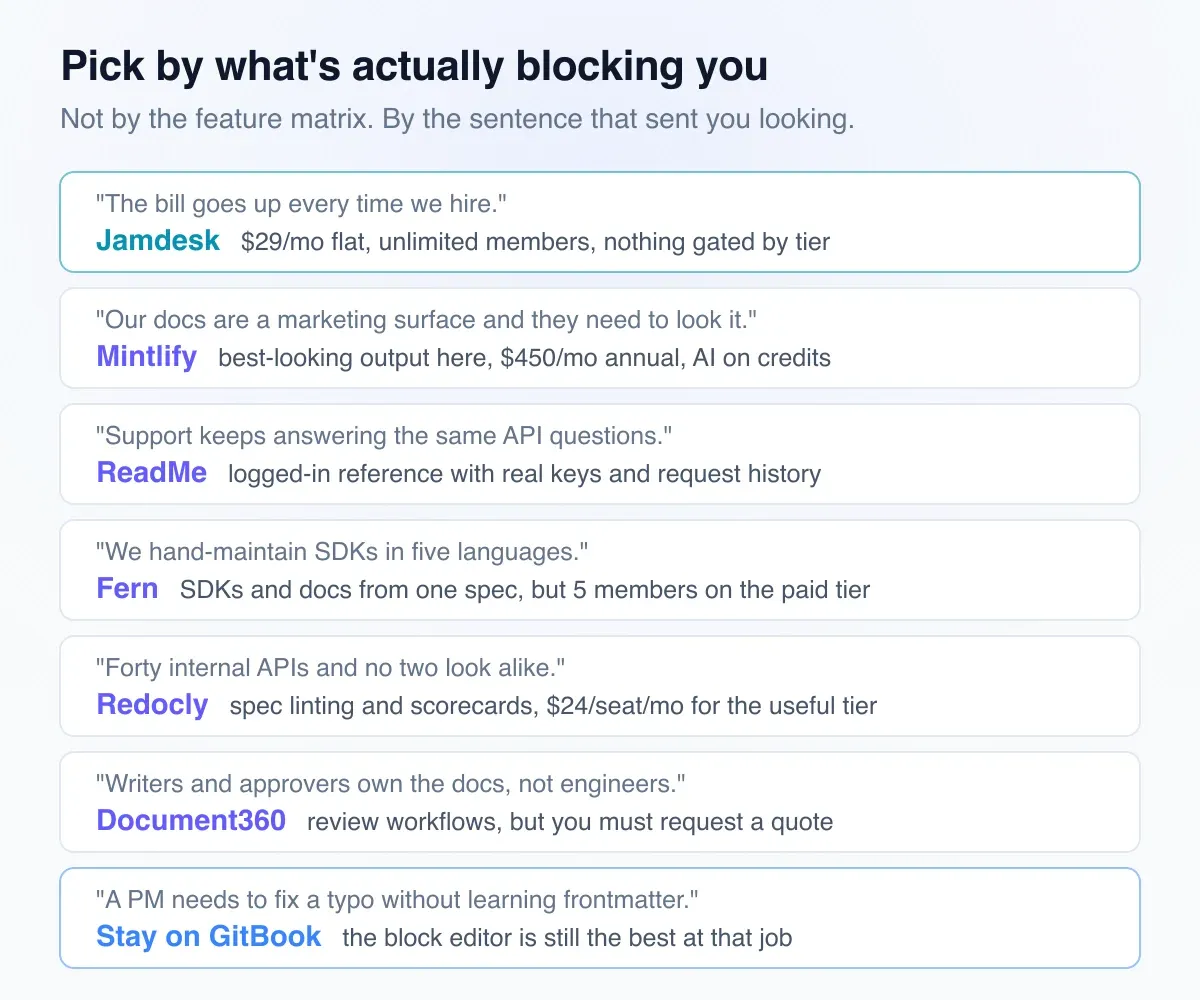
Start with the seat bill: the answer is whichever platform's price doesn't move when you hire. Jamdesk at $29/mo and Mintlify at $450/mo are the two that qualify, and the gap between them is whether design polish is worth $421 a month to you.
Was it the AI metering instead? Check the cap before the sticker price. The month your docs get popular is the month a metered plan costs the most.
The rest are narrower calls. Fern for SDK generation. Redocly for governance across a pile of specs. Document360 if writers and approvers own your documentation and you don't mind booking a call to find out the price.
And if you came here because a non-technical colleague can't contribute, leaving GitBook is probably the wrong fix. Nothing on this list beats the block editor at that job. That's the part I'd most want someone to tell me.
For everyone else, the useful test is short: export your messiest GitBook pages, drop them into two of these platforms, and see which one renders them without a fight. That'll tell you more than any comparison table, including this one.
You can start with Jamdesk for free, which includes every feature (AI too), or read the full GitBook comparison if you want the feature-by-feature version.
All pricing verified against each vendor's public pricing page on September 10, 2026. These things change. Spot something out of date and email contact@jamdesk.com so we can fix it.