Meet Dusk, Our New Docs Theme
 Jamdesk Team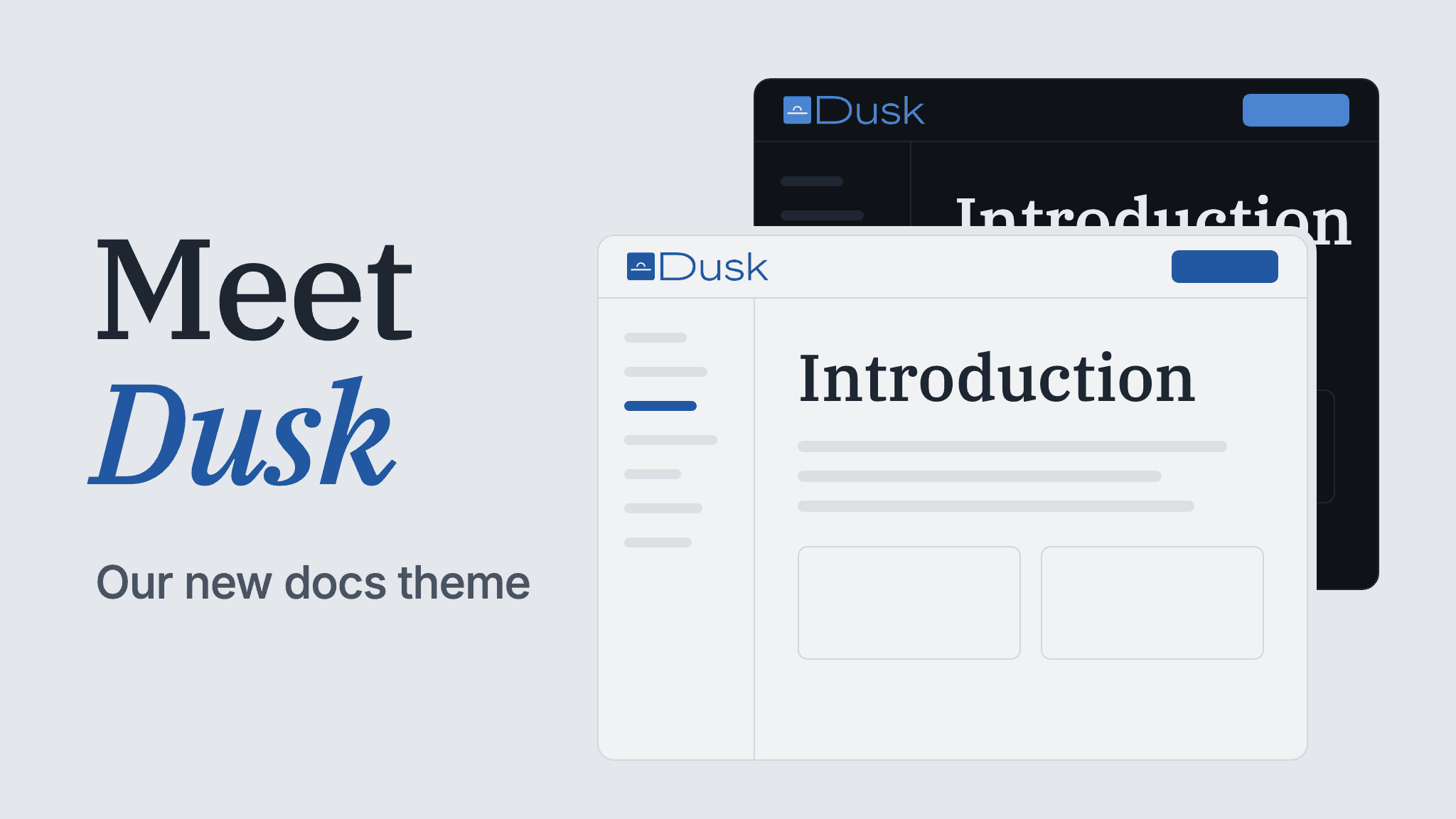
We are excited to announce that we added a fifth theme to Jamdesk. Dusk. It has a cool gray background, thin borders, and serif page titles.
We think that this is the most "chill" theme that we offer. Readers get a professional and authoritative vibe, while keeping the feel relaxed and understated.
If that sounds like a fit for your docs, you can try it with "theme": "dusk" in docs.json.
Here's a live preview of Dusk, with both light and dark modes.
A Closer Look
The header, sidebar, and page share one background color, with 1px borders separating them. Cards sit flat against the page too. There are no shadows.
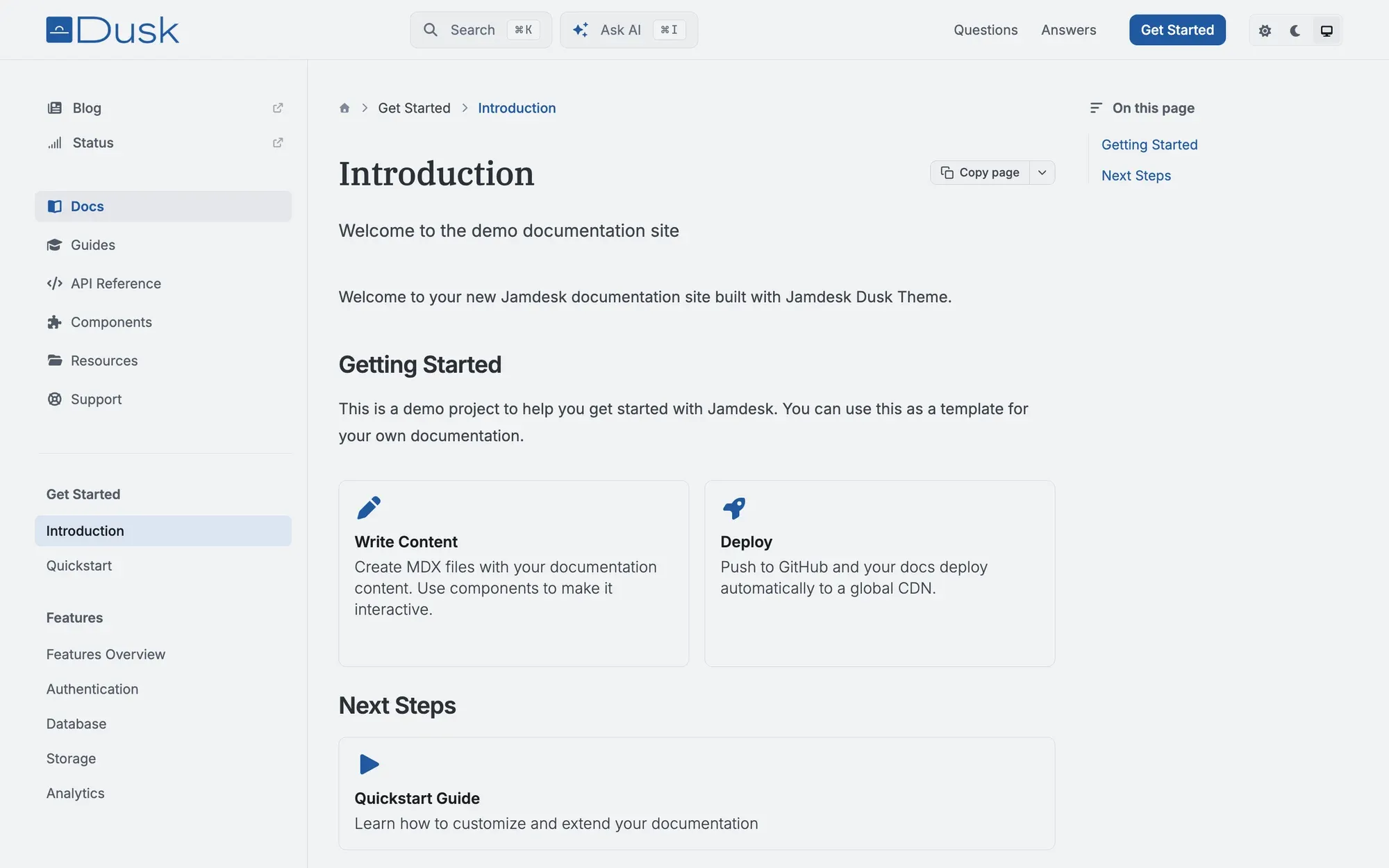
We went with a light gray background and ink blue links. The same gray carries through the cards and tables, with a slightly darker shade for inline code and table headers.
| Region | Light mode |
|---|---|
| Background (header, sidebar, content) | #F1F2F3 (cool gray) |
| Inline code, table headers | #EBECEF |
| Borders | #D4D7DD |
| Accent | #2158A1 (ink blue) |
In dark mode, the background changes to #0F1318 and links use a lighter blue, #4A86D4.
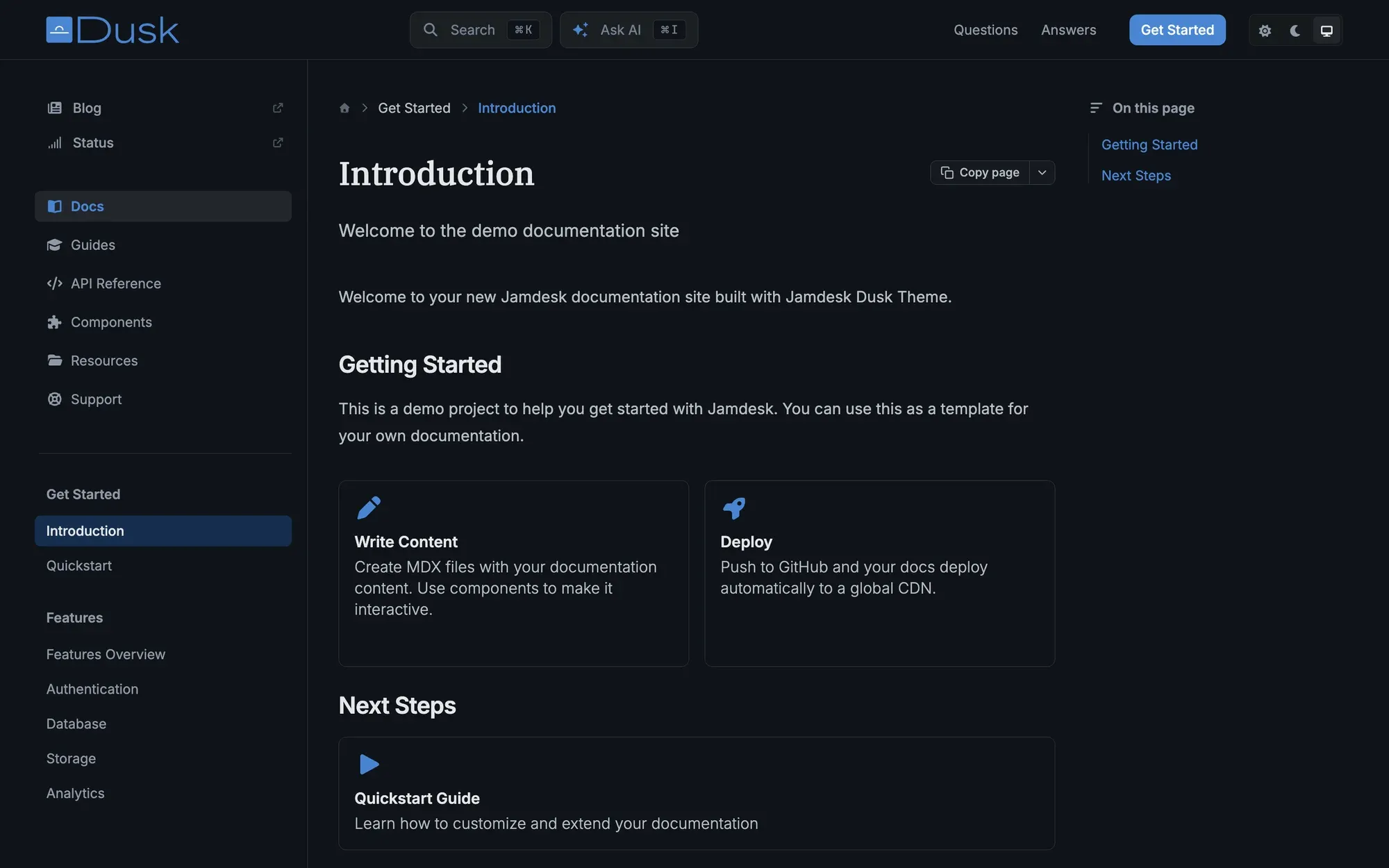
The page titles use IBM Plex Serif, paired with Inter for the body and JetBrains Mono for code. These are popular online fonts so readers immediately feel comfortable with the presentation. If you've already set a custom font in docs.json, that takes precedence on titles too.
Corners have a little rounding: 6px on buttons and nav items, 8px on cards and callouts, and 12px on code panels.
We also checked text contrast in both modes. Body text is above 9:1, and even the lightest text, such as placeholders, is above 4.5:1.
Use Dusk on Your Docs
Set the theme in your existing docs.json:
{
  "$schema": "https://www.jamdesk.com/docs.json",
  "theme": "dusk",
  "name": "My Docs"
}
Push the change, and your next build will use Dusk. Your components and other docs.json settings work as before. Switching back is the same edit with your previous theme name.
You can keep Dusk's layout and use your own brand color. Set colors.primary to change the links, active nav items, and buttons:
{
  "theme": "dusk",
  "colors": {
    "primary": "#0F766E"
  }
}
The gray background, borders, and serif titles stay the same. The theming docs cover the rest of the options.
Choosing a Theme
If you prefer a compact, dark-first layout for a large API reference, take a look at Pulsar. Nebula has a warmer palette, with cream and orange, square corners, and IBM Plex Mono. Jam, our default, keeps things neutral with blue accents.
You can compare all five on our docs: choose Preview a theme at the top of the sidebar, then browse a few pages to see how each handles the same content.
New to Jamdesk? Start a free trial and choose Dusk in the editor.